Your mail stays with you
Mail Works has no servers of its own. It talks directly to your mail provider and keeps a copy of your mail in a database on your computer, so it opens instantly and works offline.
Privacy and security
Mail Works protects you out of the box. There is nothing to turn on and no account to create with us.
Mail Works has no servers of its own. It talks directly to your mail provider and keeps a copy of your mail in a database on your computer, so it opens instantly and works offline.
Saved passwords and sign-in tokens are encrypted by your operating system: Windows data protection, the macOS Keychain, or the GNOME or KDE keyring on Linux.
Google and Microsoft accounts sign in through your web browser. Mail Works only receives permission to read and send your mail, never your password.
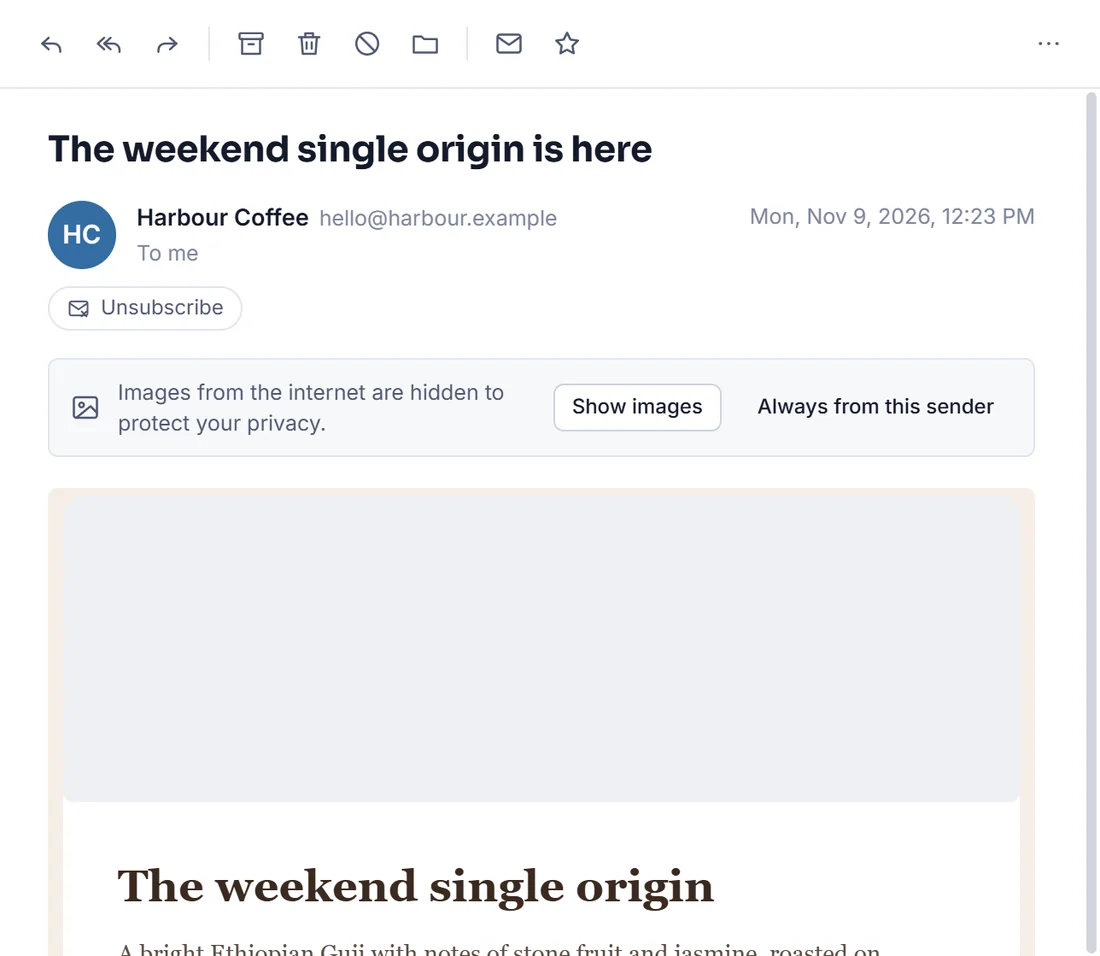
Images from the internet and tracking pixels stay blocked until you choose to load them. Even then, tracking cookies and referrers are stripped.
Every email is shown in a sandbox with scripts switched off. Links open in your own browser, and only web and email links are allowed.
Only documents, photos and media open straight from a message. Programs, scripts and archives can be saved, and they carry the "downloaded from the internet" mark so Windows and macOS still check them.
In plain English
There are no analytics, no telemetry and no advertising in Mail Works. It only ever connects to:
Mail Works runs each window in a locked-down sandbox with a strict content security policy, and the app files are sealed against tampering. Before release, Mail Works 1.0 went through a dedicated security review covering how email is displayed, how attachments are handled and how passwords are stored, and every significant issue it found was fixed.
Found something we should know about? Please tell us through the contact form.